Digital signage software that pays for itself
Prices, offers and campaigns on every screen — one shop or three hundred — changed from one dashboard in minutes. No player boxes to buy. And when a screen has time to spare, advertisers pay to fill it.
- First screen free, for ever
- Every feature on every plan
- Monthly, cancel any time
- A dedicated manager from 100 screens


- 1workbook
for every branch and screen, with a preview of every change
- 5min
for a new price to reach every screen
- 7days
of playback when the internet drops
- 85%
of what advertisers pay is yours
ScreenRoll is built by Admixer, an advertising-technology company since 2008. More than 3,500 businesses use Admixer’s technology; it is an IAB Tech Lab member with more than 100 demand and supply partners. admixer.tech →
Hundreds of branches. One dashboard.
ScreenRoll runs a national chain the way it runs a single shop — with what a head office needs on top: every site imported in one go, campaigns aimed at regions, access set team by team, and a retail media business built on your own audience.
Every branch in one import
Addresses, coordinates, venue types and daily visitors for every site, and the screens in each, from one Excel workbook. Change forty rows, send it back, and see exactly what will change before anything does.
Campaigns by region and format
Group branches by region, format or size. A schedule aimed at a group reaches every screen in it — including the branch that opens next month.
Head office and branch teams
Marketing runs the campaigns, operations watch the screens, installers add new ones — each with only the pages they need. Changes to screens, locations, playlists and schedules are logged with a name.
A retail media network, built in
Your branches have an audience your suppliers want to reach. Sell it to them on private deals, or to programmatic buyers in live auctions — with plays and impressions per branch they can check.
Every screen, every format
Samsung and LG displays, Android and Google TV, Windows, macOS and Linux players, or any smart TV’s browser; video walls, LED screens and portrait totems — in one dashboard, and the player inside updates itself.
A price and a person for your scale
From 100 screens the price per screen is agreed with you, and you have a dedicated account manager. Invoiced monthly, paid by bank transfer.
- Two-step sign-in for everyone
- Access granted page by page
- An activity log with names
- Hosted in the EU
- A GDPR data processing agreement on request
- Samsung, LG, Android, Windows, macOS and Linux players
We’ll show it on your own branch list, and set up a first region with you.
Digital signage for your kind of business
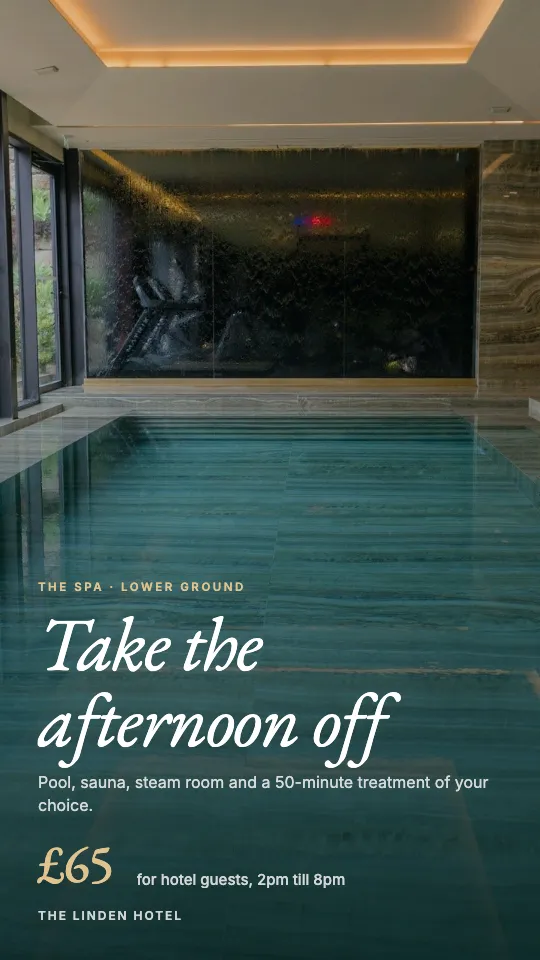
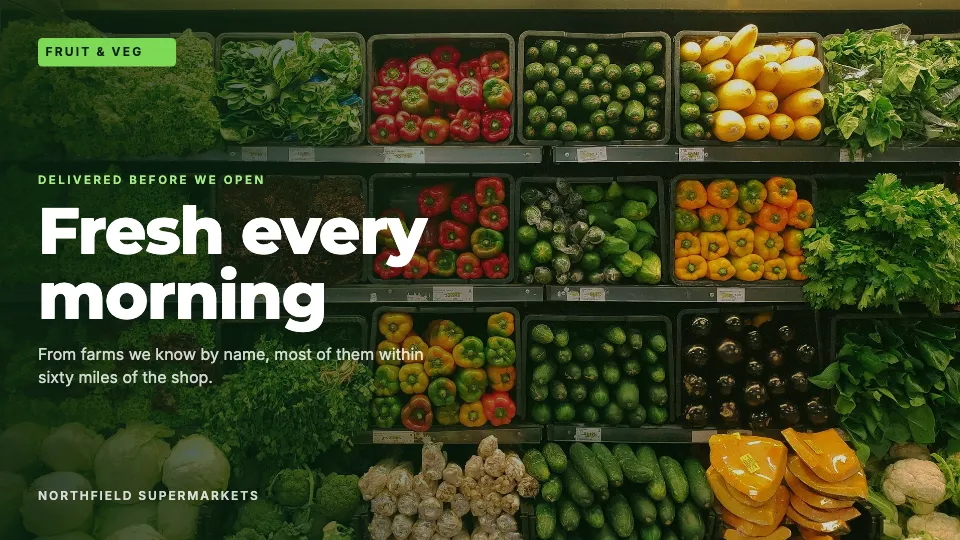
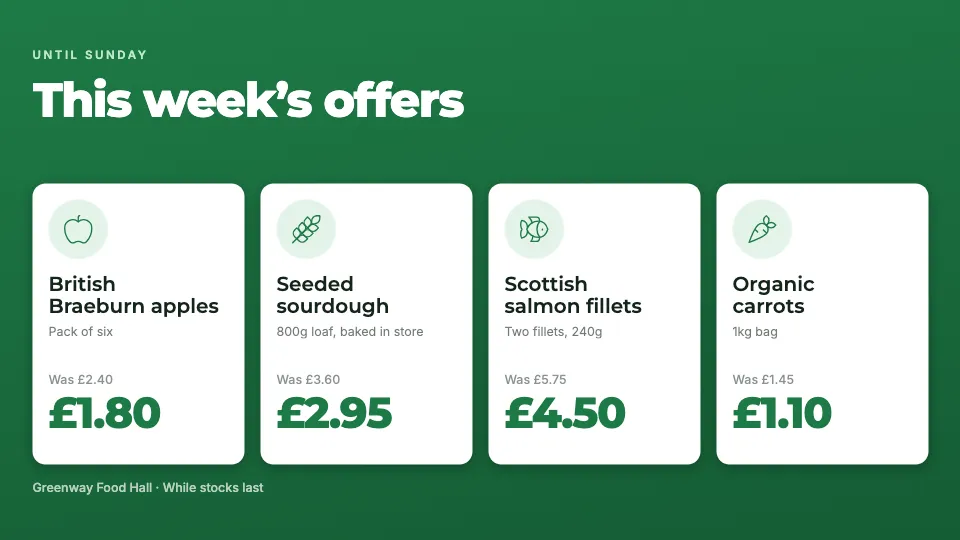
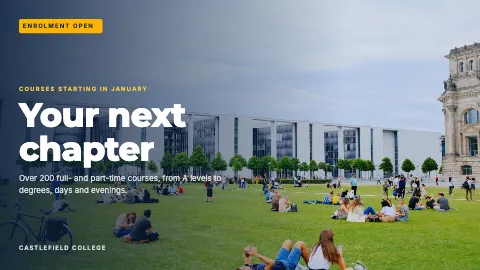
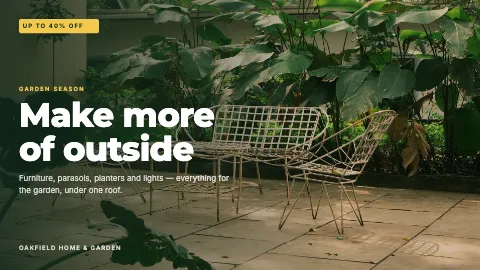
See it on your own screens. These are real designs from the ScreenRoll editor — free to use, ready for your words, your prices and your photos.
Supermarkets and food shops
- This week's deals on every till screen, with the old price struck through.
- A price drop goes live in every branch at once — no printing, no ladders.
- Sell the spare screen time to your suppliers on a private deal.

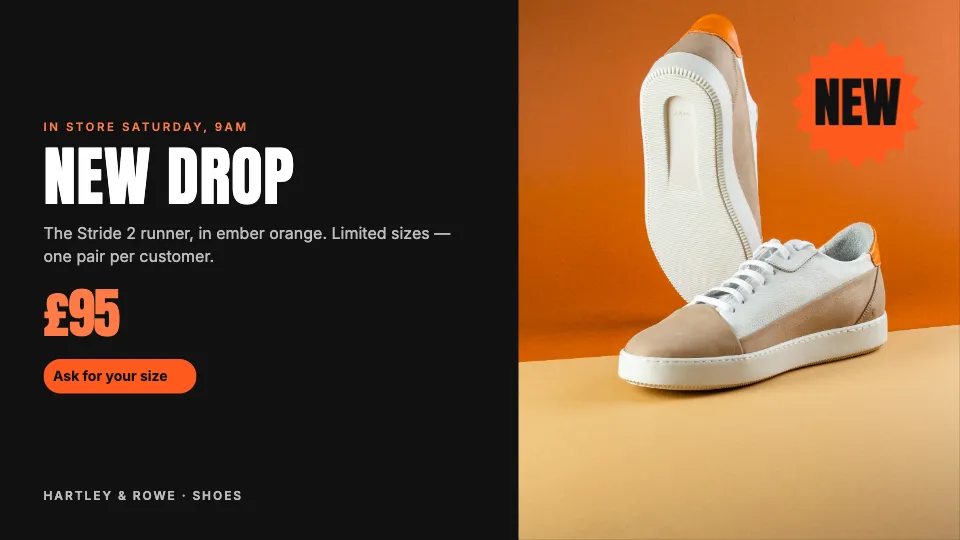
Fashion and shoe shops
- Lookbooks and new drops in the window and by the fitting rooms.
- The sale starts at 9:00 on Saturday in every store, by itself.
- Portrait screens and video walls, as well as ordinary TVs.


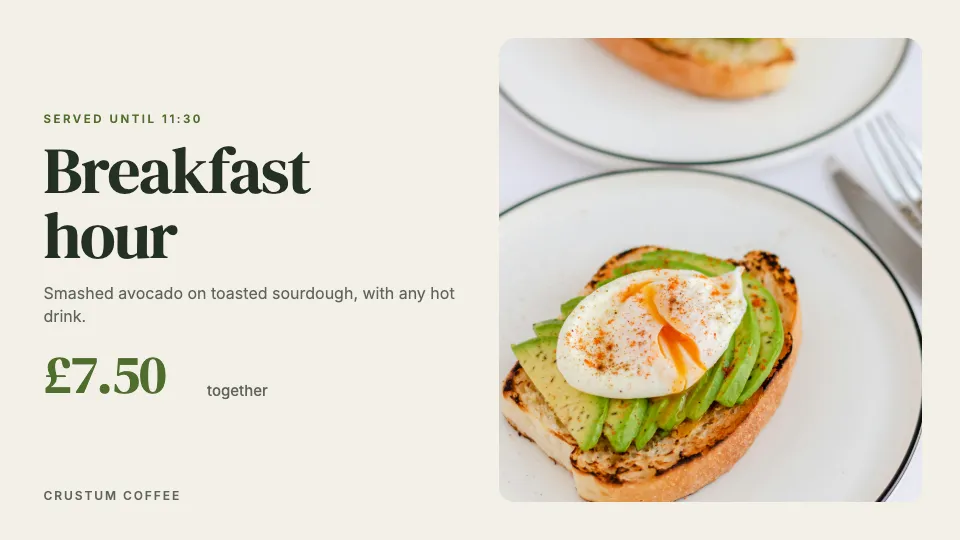
Cafés, bakeries and restaurants
- Breakfast until 11, lunch after, the evening offer from 6 — on its own.
- Change a price once and every shop has it within five minutes.
- Today's bake with a proper photo, not a chalkboard nobody can read.


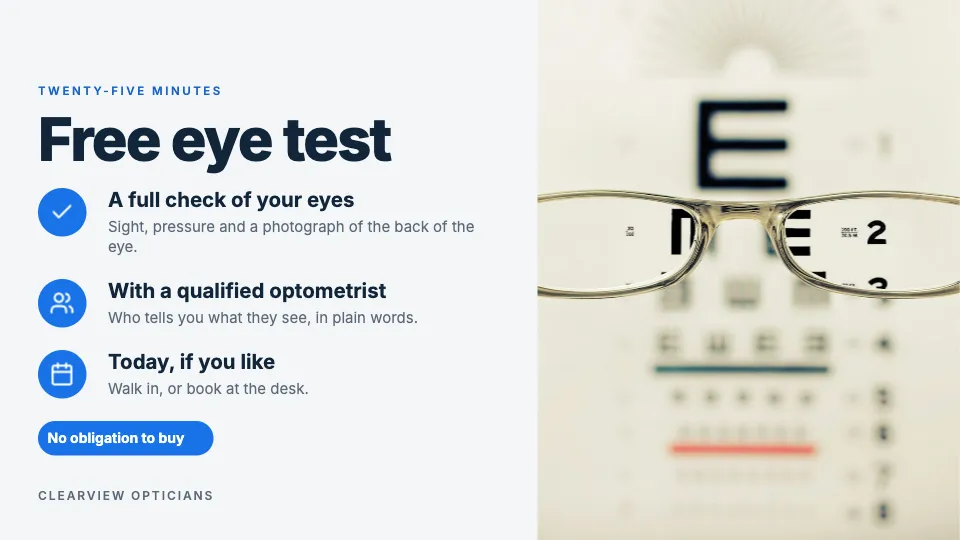
Pharmacies, opticians and clinics
- Seasonal advice — hay fever, flu jabs, eye tests — where people queue.
- Your ad policy keeps alcohol, gambling and tobacco off the screen.
- Calm designs, sound off, readable from across the room.


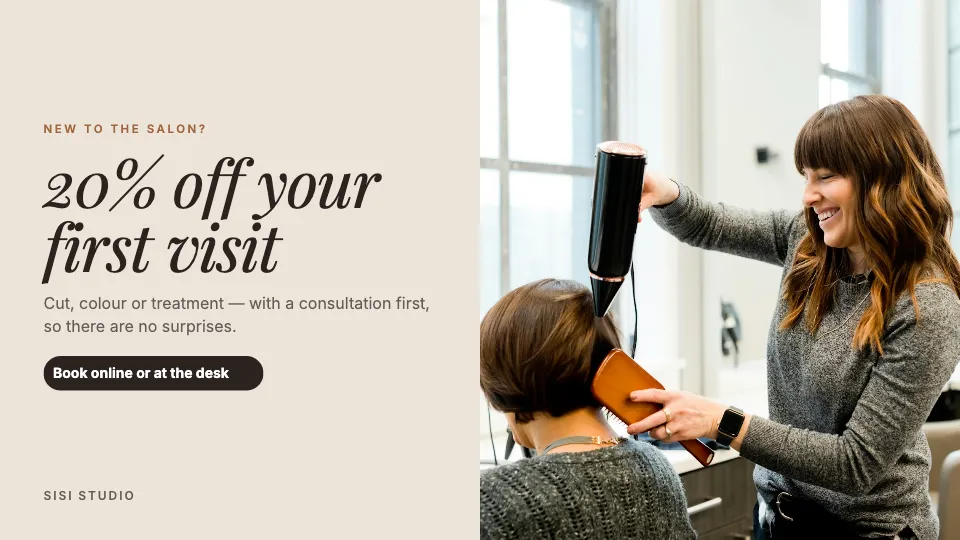
Salons, perfumeries and jewellers
- New fragrances and collections, shown like a magazine page.
- Offers that fill the quiet days — first visits, Tuesday blow-dries.
- One price list, changed once, correct in every shop.


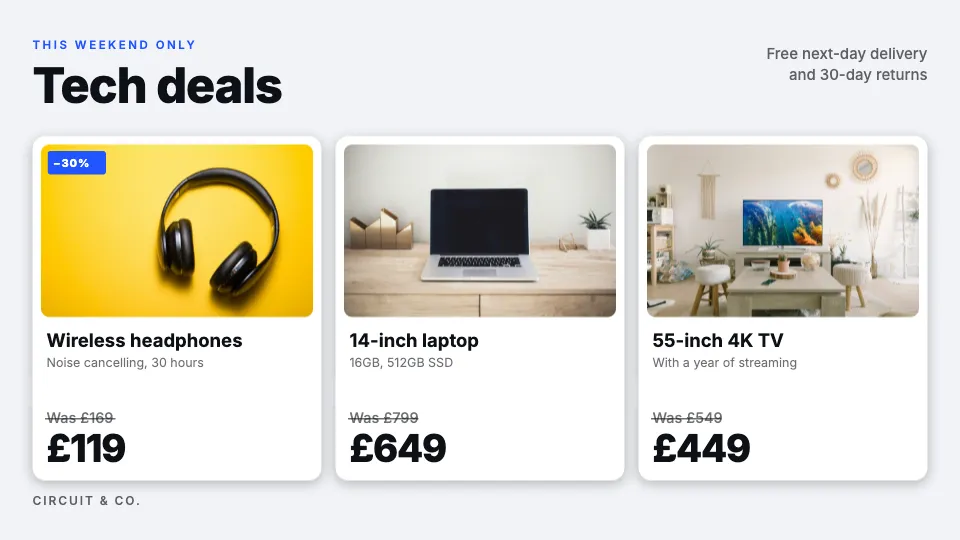
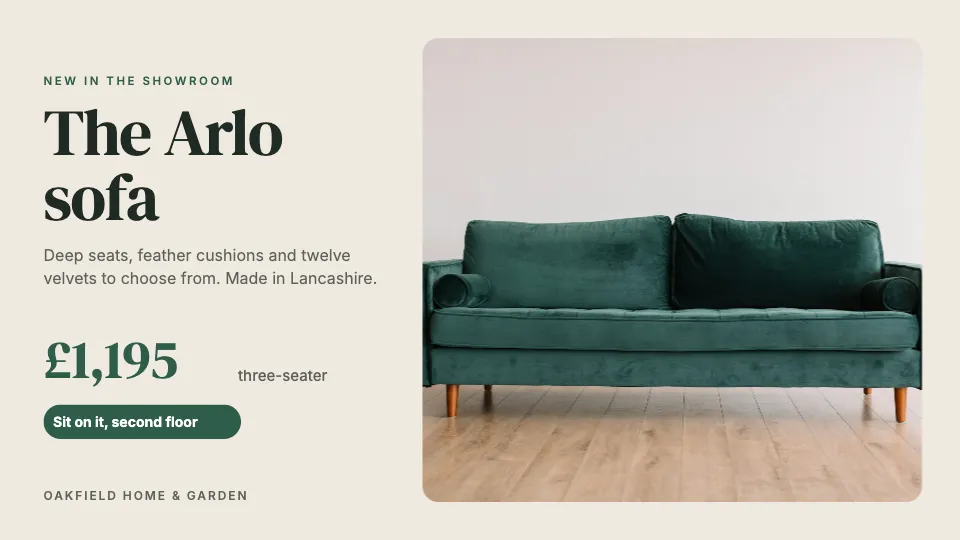
Electronics and home stores
- A launch poster up the morning a new phone lands.
- Trade-in and repairs explained in three clear steps.
- Weekend deals in every branch that end exactly on time.

Gyms and sports shops
- Today's classes and trainers on the screen by the door.
- Membership offers that switch themselves off when they end.
- A sponsor's ad in a slot you choose, and nowhere else.



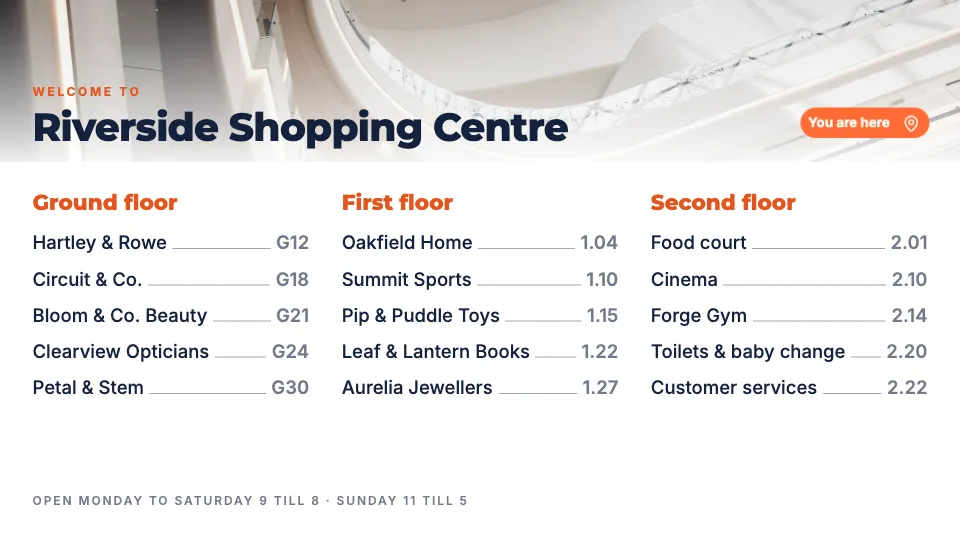
Shopping centres
- A store directory by floor at every entrance.
- Events, late-night shopping and the food court on every totem.
- Unsold screen time sold in live auctions, at your floor price.


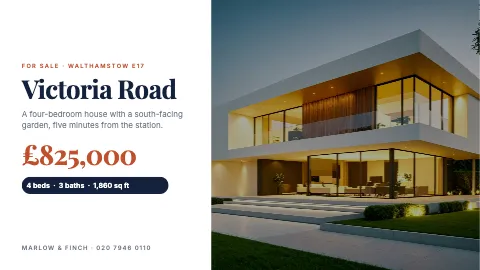
And florists, pet shops, bookshops, hotels, estate agents, garages, schools, bars and events — 92 designs in all, each drawn for landscape and portrait screens.

















On screen in ten minutes
No installer visit and no box behind the TV. Three steps, about ten minutes a screen — and a whole network comes in from one Excel workbook.
-
cms.screenroll.live/tvA7K2M9Enter this code in your dashboard
Open ScreenRoll on the TV
The free app on Samsung, LG, Android, Windows, Mac or Linux — or cms.screenroll.live/tv on any other smart TV. It shows a code.
-
Type the code in your dashboard
Or scan it with your phone, then pick the branch and the screen it becomes.
-
Choose what it shows
A template, your own photos and videos, or a whole playlist. It starts playing within seconds.
The apps are optional — everything also works in the browser. Your first screen, step by step →
Your offers, your prices, the weather — and the ads that pay for them
A playlist is the order things play in: pictures, videos, HTML5 banners, widgets, music and ad slots. A schedule decides when and where — fresh produce in the morning, member prices through the day, the bakery’s evening offer from 6 — on one screen, one branch, or a whole region.

- Fresh every morningYour content
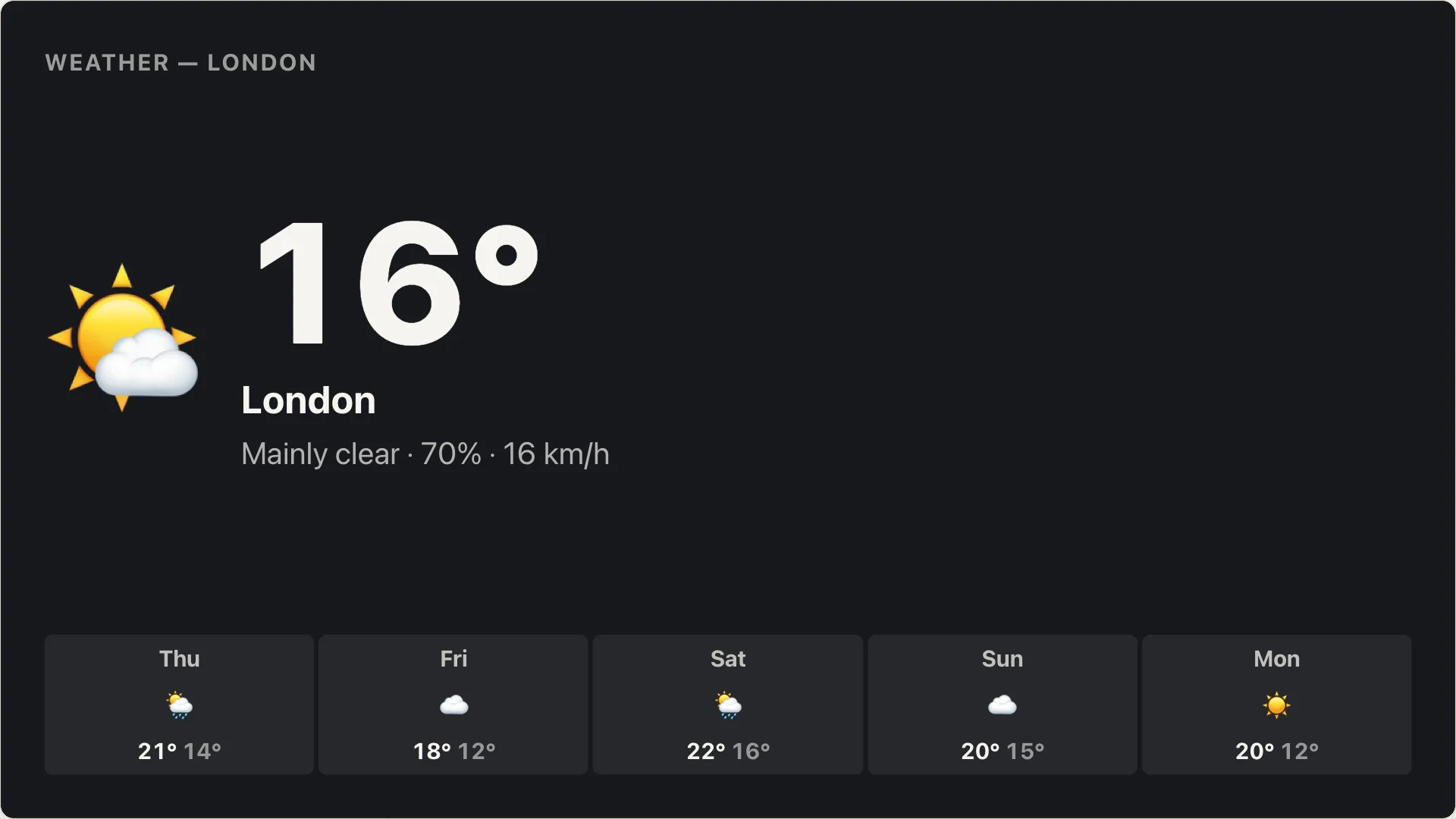
- Weather — LondonWidget
- Members pay lessYour content
- Bloom & Co. BeautyAd · private deal
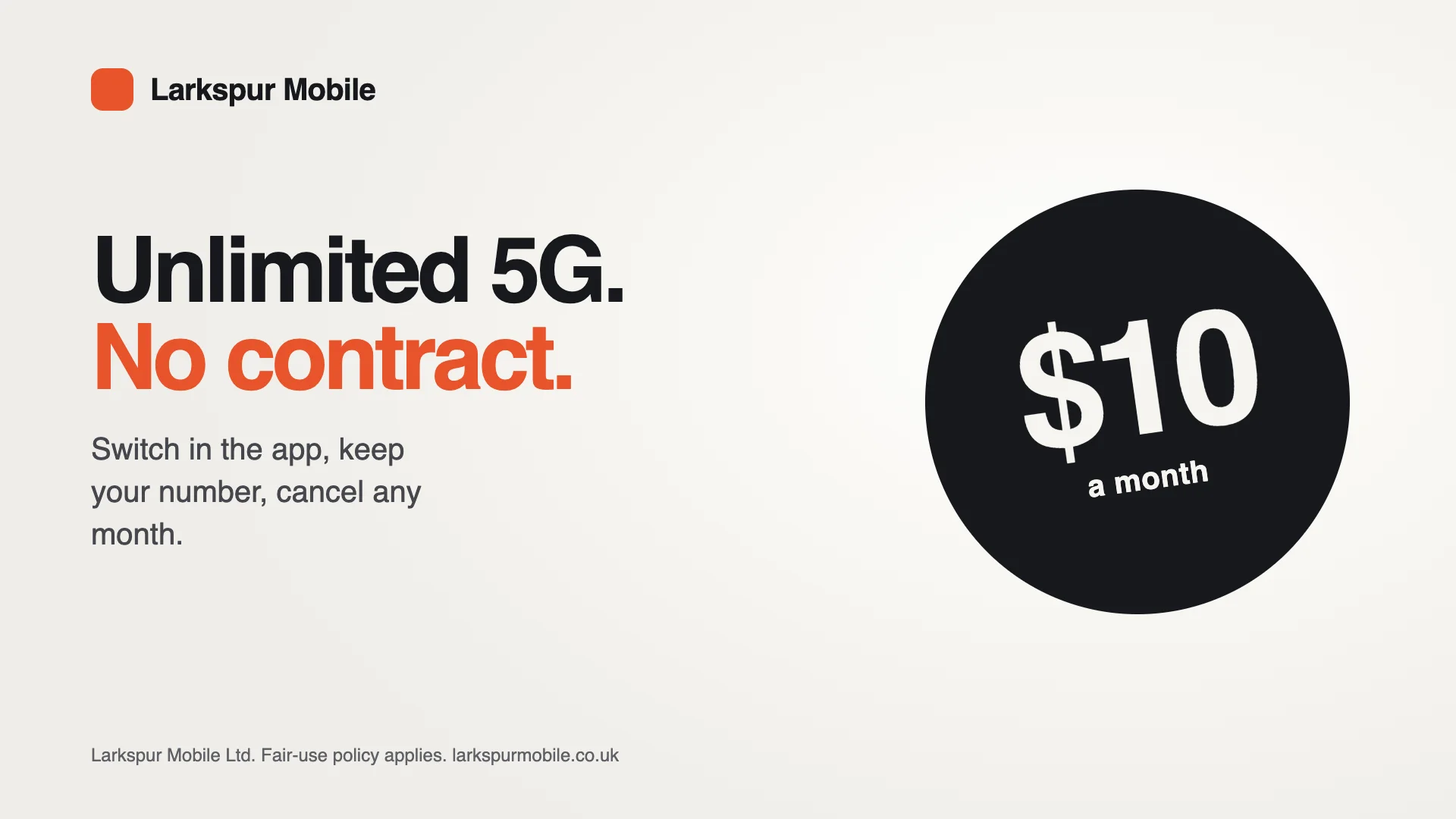
- Larkspur MobileAd · live auction
Change a price once. Every branch has it in minutes.
Edit prices and offers on your laptop or your phone and press Save. Every screen that plays them picks up the new version within five minutes — and the bakery’s evening offer takes over at 18:00 without anybody touching a thing.
- From your laptop or your phone
The dashboard works on a phone, so a price can change between two customers.
- One screen or all of them
Aim a playlist at one TV, one branch, a region, or every screen you have.
- Prices that belong to the design
Two branches with different prices save the same design twice — one click — and each plays its own.
Ten screens or a thousand, organised your way
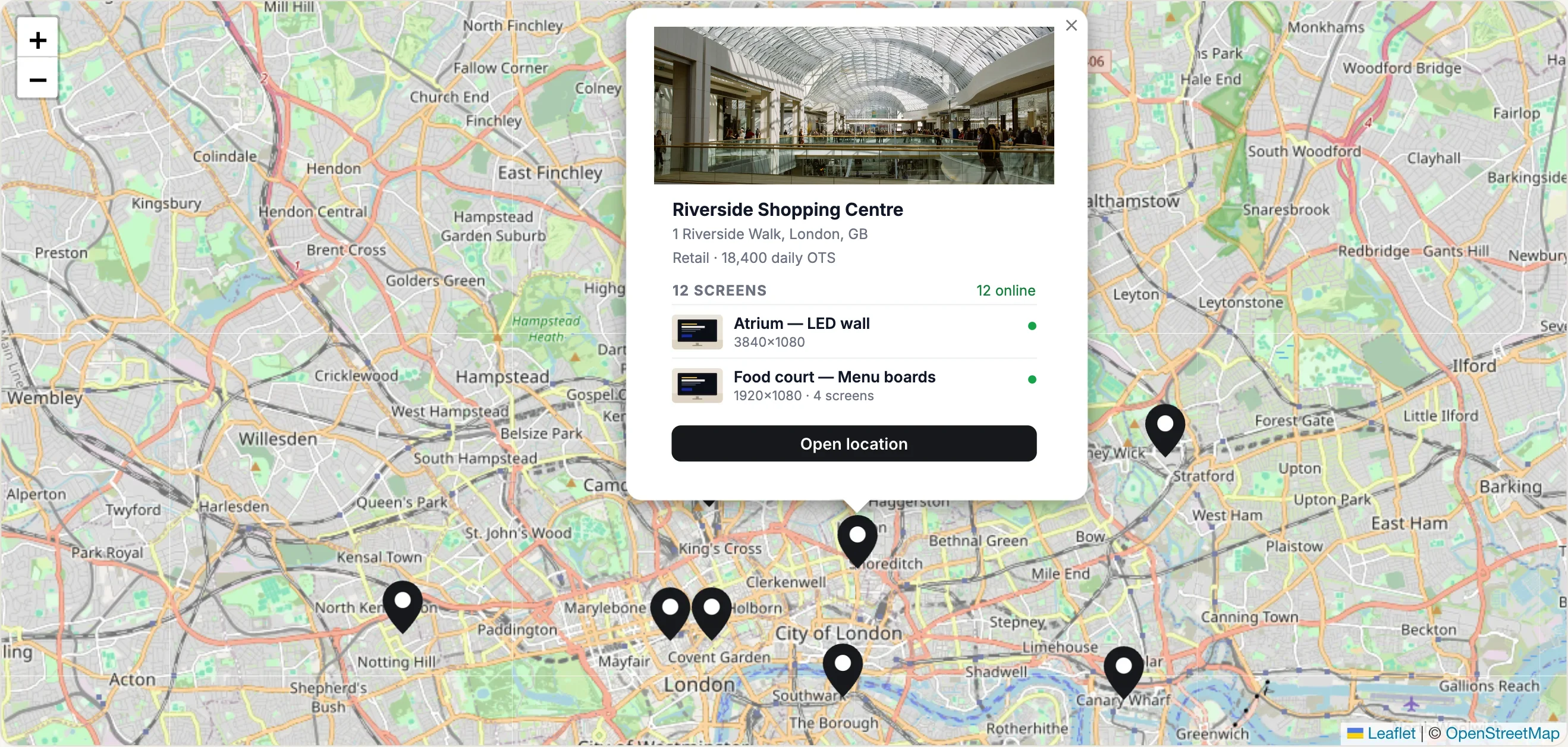
Screens live in locations; screens and locations go into groups; a schedule aimed at a group reaches every screen in it — including the one you install next month.
Groups
“London shopping centres”, “Every portrait screen”, “Airport sites”. Add a new site to a group once, and every schedule aimed at it picks the site up.
Locations on a map, imported from Excel
Bring every site in from one spreadsheet — address, coordinates, OpenOOH venue type, daily visitors (OTS) — and each lands on the map with its screens.
Layouts and zones
Nine ready layouts — offers with a news ticker, a sidebar, a weather corner, split screens — or draw your own to the pixel. Video walls and LED screens too.
Sound
Every layout has an audio zone for music or announcements. On a video wall the sound comes from one panel.
Scan your card at the till or in the app.
Join at any tillPlus an audio zone on every layout
Nine ready layouts
Tap one to see it on the screen.
Video walls, LED screens and portrait totems too.
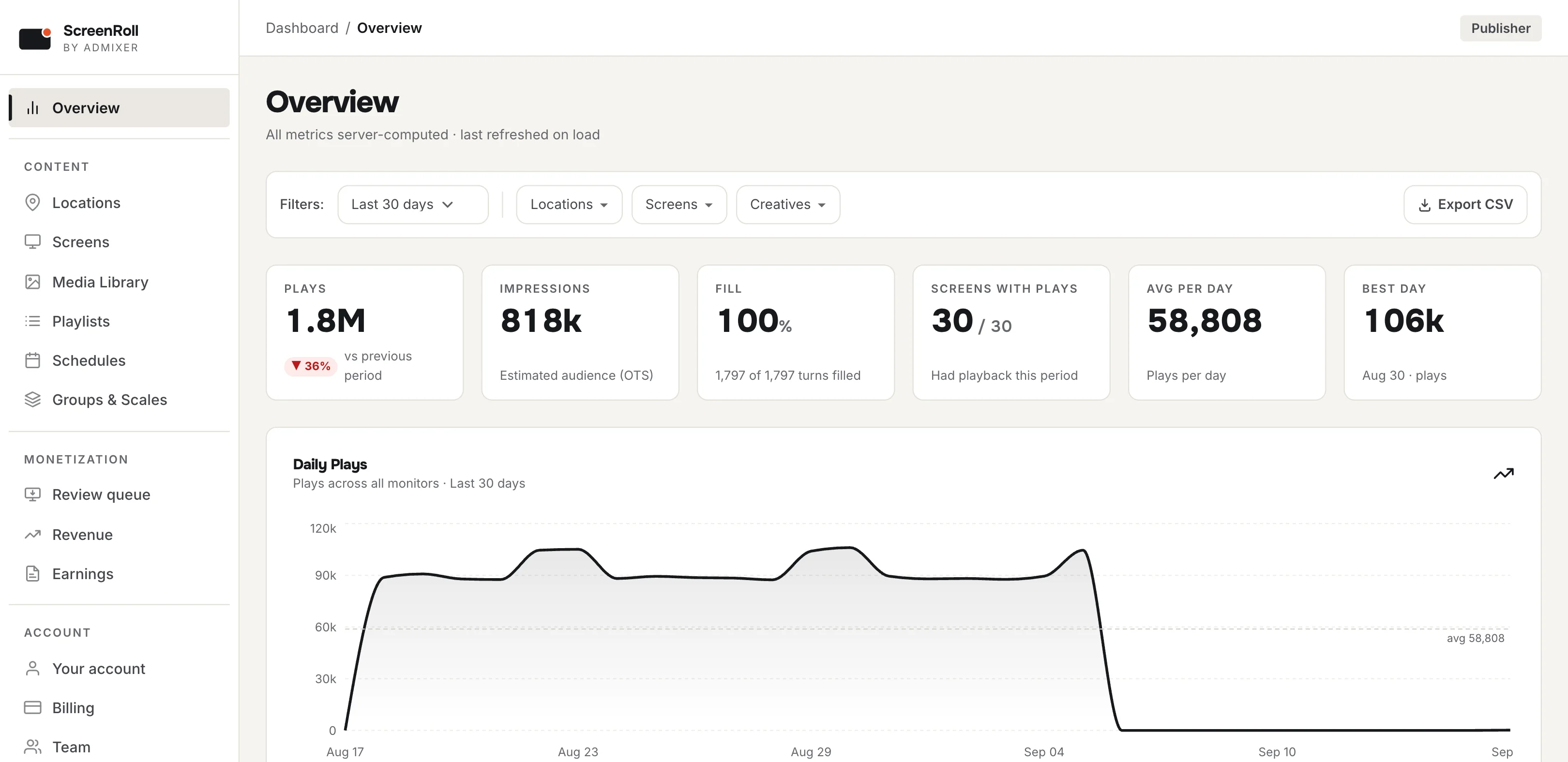
Know what played, where, and how many times
Plays and impressions, kept apart and never guessed. A play is counted once the screen confirms it was shown; an impression is the audience that had the chance to see it, worked out from that screen’s audience figures for the hour.
- Plays, down to the creative
How many times each picture, video or ad played, on which screens, in which shops, on which days.
- Impressions from real audience figures
Each screen's OTS — an hourly average, or a figure for every hour of every weekday, updated from a people counter if you have one. No audience data, no impressions: never a made-up number.
- Proof for advertisers, and a file for you
Plays and impressions per screen, location and creative for a buyer; a spreadsheet with one row per screen, per creative, per day for you.
- Revenue that adds up
Ad revenue by day, screen and advertiser agrees with the payout, because both count the same confirmed plays.
Your screens have spare time. Advertisers will pay for it.
Leave a ten-second slot in a playlist and ScreenRoll sells it — to advertisers bidding live, or to a supplier on a private deal. You decide who may appear and the lowest price you'll take. Only ads that actually played are counted.
- 85%
of what advertisers pay is yours, by default. Our fee is 15%.
- You decide
Every advertiser category is yours to allow or refuse — alcohol, gambling, politics, anything.
- OpenRTB ready
Every screen is offered with its OpenOOH venue type and the audience of each play — what buyers price against.
- An ad slot is a gap in your playlist. Ten seconds, wherever you like.
- Buyers bid for each play in about a third of a second, over OpenRTB — the format every programmatic buyer already speaks. Below your floor price, your own content plays instead.
- Your policy decides who appears. Refused categories are never even bid on; the rest waits for you with a preview.
- Only what reached the screen is counted. Your own ads, sold by you, cost nothing extra.
Who can advertise here
SR-K7WM3QX9Sound sells too. A screen with a speaker can carry audio ads alongside your music, bought in the same live auctions.
ScreenRoll is made by Admixer, an advertising-technology company. Selling screen time is our own trade — not an add-on we bolted on. How an ad reaches your screen, in the second it takes →
Your logo, not ours — free on every plan
Upload your logo once. Your team sees your name and your mark in the dashboard, and a screen with nothing scheduled shows your logo, not ours. No extra plan, no extra fee.
- In the dashboard
Your logo and your company's name in place of ScreenRoll, for everyone on your team.
- On the screens
The card a screen shows outside opening hours carries your brand — it is what a customer in your shop sees.
- In every design
Your words, your photos and your colours: every template is yours to change.
The web address stays cms.screenroll.live.

Screens you don't have to babysit
ScreenRoll keeps an eye on every screen, so nobody has to drive round the shops checking.
It tells you when a screen goes dark
An email the moment a screen stops reporting, and another when it's back.
The Wi‑Fi drops. The offers stay up.
Seven days of playback from the screen's own storage — photos, videos and HTML5 banners alike.
See what every screen is showing
Online or not, what's playing this second, and whether the new files have arrived.
Stop paying? The screens keep playing.
The dashboard goes read-only. Your shops never go dark because of an invoice.
It updates itself
The player inside every app updates itself with each release. Nobody has to visit a shop.
In your language
The dashboard, the Help Center and the emails speak fifteen languages.
Inside the player: what a screen keeps, and how it rides out an outage →
Secure by default, on every account
Two-step sign-in for everyone, no password ever sent in a message, and a record of who changed what. Nothing to switch on and nothing extra to pay.
Two-step sign-in
A password and a code sent by email. A device you trust stays trusted for 48 hours, then asks again.
Nobody shares a password
A new colleague gets an invitation and chooses their own. You never see, set or send anyone's password.
Access page by page
Marketing edits playlists, installers add screens, and only the right people see billing — viewing and editing granted separately.
Every change has a name
Who changed which playlist, and when, is kept. Someone leaves: disable them, and their name stays on their work.
Screens hold no passwords
A paired TV can fetch its own schedule and report its own plays — nothing else. It cannot open your dashboard.
No card details to leak
Today you pay by bank transfer against our invoice. When card payment arrives, the card is typed on the payment provider’s own page — ScreenRoll never sees or stores a card number.



Hosted in the EU. Signing in safely →
Simple pricing. The first screen is free.
One price per screen, and the tier follows your count. The first screen is free — every feature, no card, no end date.
- Unlimited users, playlists, schedules
- Every layout, video walls, all media kinds
- Seven-day offline playback
- Samsung, Windows and macOS apps
- Ad slots and auctions included
- Your own ad tags served at $0.15 per 1,000 plays
- Invoiced monthly, paid by bank transfer
- Creative editor with 92 templates — included, at no charge
- Your own logo on the dashboard and the screens, free
- Proof-of-play reports and export, down to the creative
If a payment fails, the dashboard goes read-only. Your screens keep playing — playback is never held hostage to billing.
Talk to us — or start with one screen
Running a chain or a network? Book a demo: we reply by email to arrange a call, and show ScreenRoll on your own list of sites. Or start free — no card, no trial clock.
- A dedicated account manager from 100 screens, and a price agreed with you.
- Your whole network in one go. Every site and screen from one Excel workbook.
- The first screen is free. Paying starts with the second, at $12 a month.

What do I need to get started?
The screens you already have. Samsung and LG displays, Android and Google TV, Windows, macOS and Linux run a free ScreenRoll app; any other smart TV just opens a web page. There is no player box to buy.
Is the first screen really free?
Yes. One screen, every feature, no logo on your content, no card, and no date it stops.
Paying starts with your second screen, at $12 a month.
What does it cost for 10 or 30 screens?
Ten screens cost $90 a month, thirty cost $232 — the first screen is always free, and the price per screen falls as you add more. Users, playlists and schedules are unlimited on every plan.
Can ScreenRoll run a chain with hundreds of branches?
Yes. Bring every branch and its screens in from one Excel workbook, group them by region or format, and aim schedules at the groups — a branch added to a group picks up its campaigns straight away.
Each team gets only the pages it needs, changes to screens, locations, playlists and schedules are logged with a name, and every screen reports what it played. From 100 screens the price per screen is agreed with you and you have a dedicated account manager; a GDPR data processing agreement is available on request.
How do my screens make money?
You leave a short gap in your playlist for advertising. Advertisers pay for each time it plays, you set the lowest price you will accept, and you are paid monthly.
It is optional, and off until you choose to switch it on.
Do I decide which ads appear?
Completely. You can review every ad before it plays, block whole categories such as alcohol or gambling, or accept only the categories you want. Nothing you have not allowed reaches your screen.
Can I see where and how often each creative played?
Yes. Every play is counted by screen, location, creative and day, once the screen confirms it was shown. Where a screen has audience figures (OTS), each play also becomes impressions. The dashboard filters by any of them, and the export has one row per screen, per creative, per day.
How is the account kept secure?
Everyone signs in with a password and a code sent by email; a trusted device is asked again after 48 hours. Colleagues are invited and choose their own passwords, access is granted page by page, and changes to screens, locations, playlists and schedules are recorded with a name and a time.
What happens if I stop paying?
Your screens keep playing. The dashboard becomes read-only until the invoice is settled, and nothing is deleted.
Where is my data kept?
On Microsoft servers in the European Union. Your reports export as a spreadsheet whenever you want them.